The quick escape 01
$25 / day
For a short break or a few days away.
Find your dates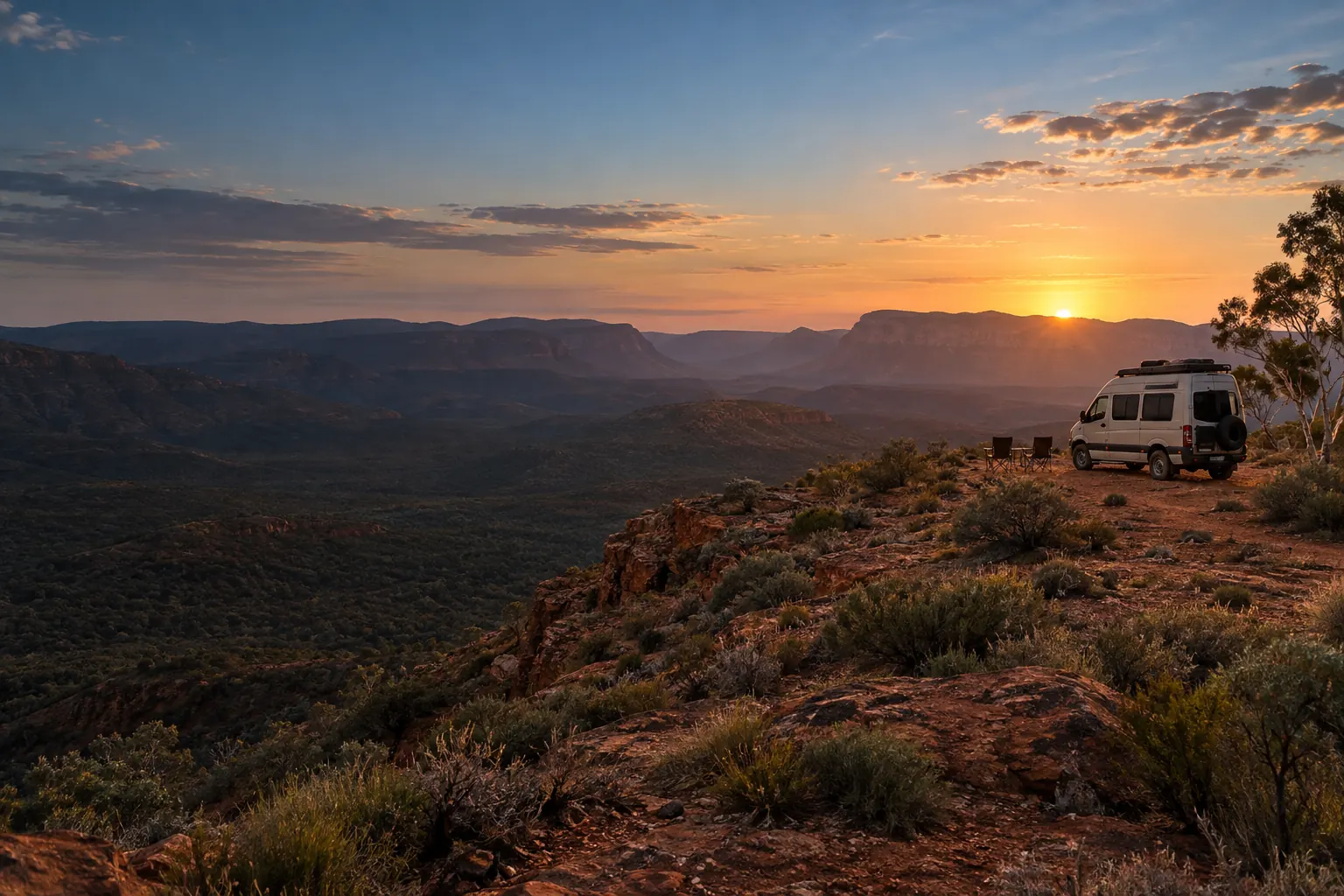
Starlink Mini hire / NSW Central Coast
Your favourite places. A little more connected. Hire a compact Starlink Mini with unlimited data for your next Australian adventure.
Pickup & return: Ourimbah NSW 2258
Suitable power, open sky and available Starlink Roam service required.
$129 / 7 days · $349 / 28 days
Unlimited data Included in your hire
One compact kit Mini + built-in Wi-Fi
Local handover Ourimbah, Central Coast
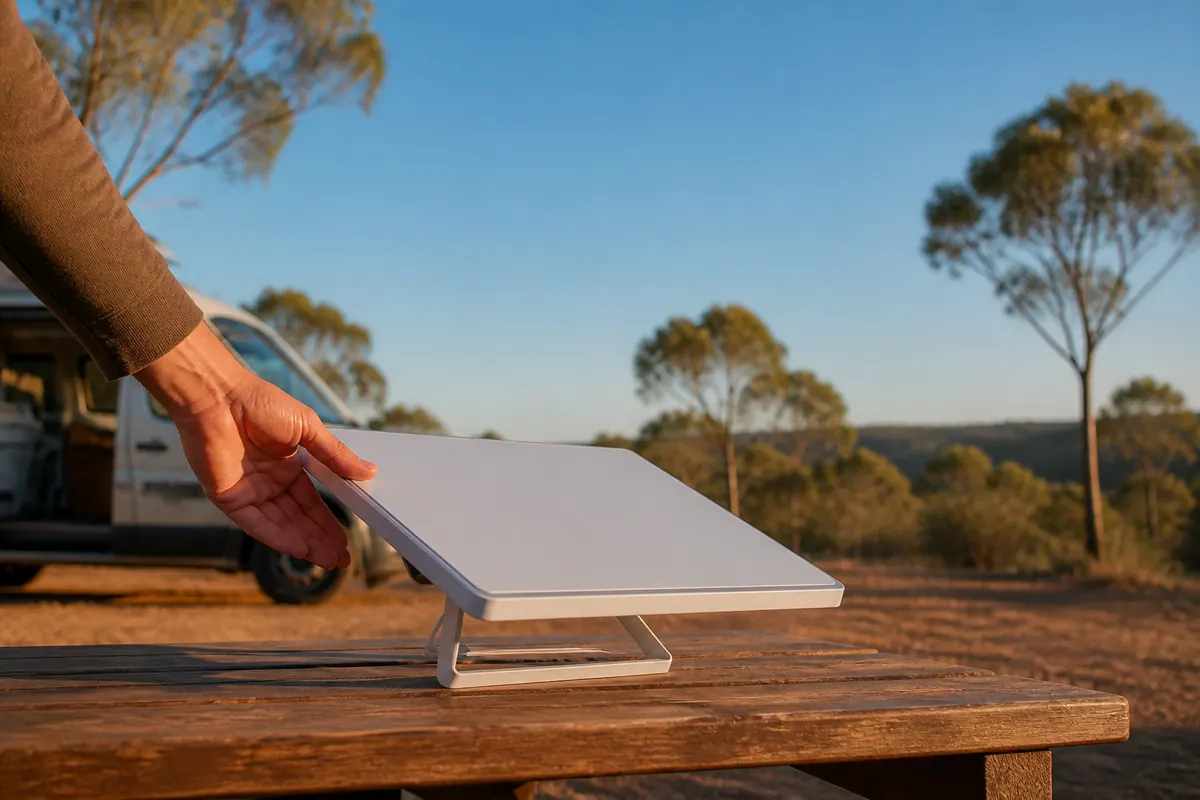
Small kit. Big trip energy.
A dish and Wi-Fi router in one compact unit. Pick it up, pack it in and give your next campsite a connection of its own.
Compact satellite internet with built-in Wi-Fi.
Ready for a powered campsite or mains outlet.
Network access is included in the hire price.
Bring your own suitable power source. Batteries and vehicle mounts aren’t included—check your source and cable before collection.
Check your power setupA weekend away. Or the long way round.
Choose your dates. We’ll find the lowest-priced combination of daily, weekly and 28-day rates.
The quick escape 01
$25 / day
For a short break or a few days away.
Find your datesA proper getaway 02
$129 / 7 days
A week to settle in somewhere good.
Plan your weekThe extended adventure 03
$349 / 28 days
Four weeks, not a calendar month.
Take the long wayPay a deposit now. $25 for 1–10 days, or $50 for longer hires. Credited towards your hire.
The rest at collection. Remaining hire + a separate $300 refundable bond. All amounts AUD; pickup and return dates both count.
Live availability · Secure Stripe checkout
Choose collection and return dates to see your complete quote. Pay your deposit straight away—no approval wait.
One Mini kit. Ourimbah pickup only. Dates are secured after verified payment.
Select collection, then return. Both dates count. For one day, select the same date twice. Online hires: 1–180 days.
Online checkout starts tomorrow. For same-day collection, contact us to agree a pickup time.
Use arrow keys to move by day or week, Page Up and Page Down for months, and Enter to select. Unavailable dates cannot be selected.
Checking live availability…
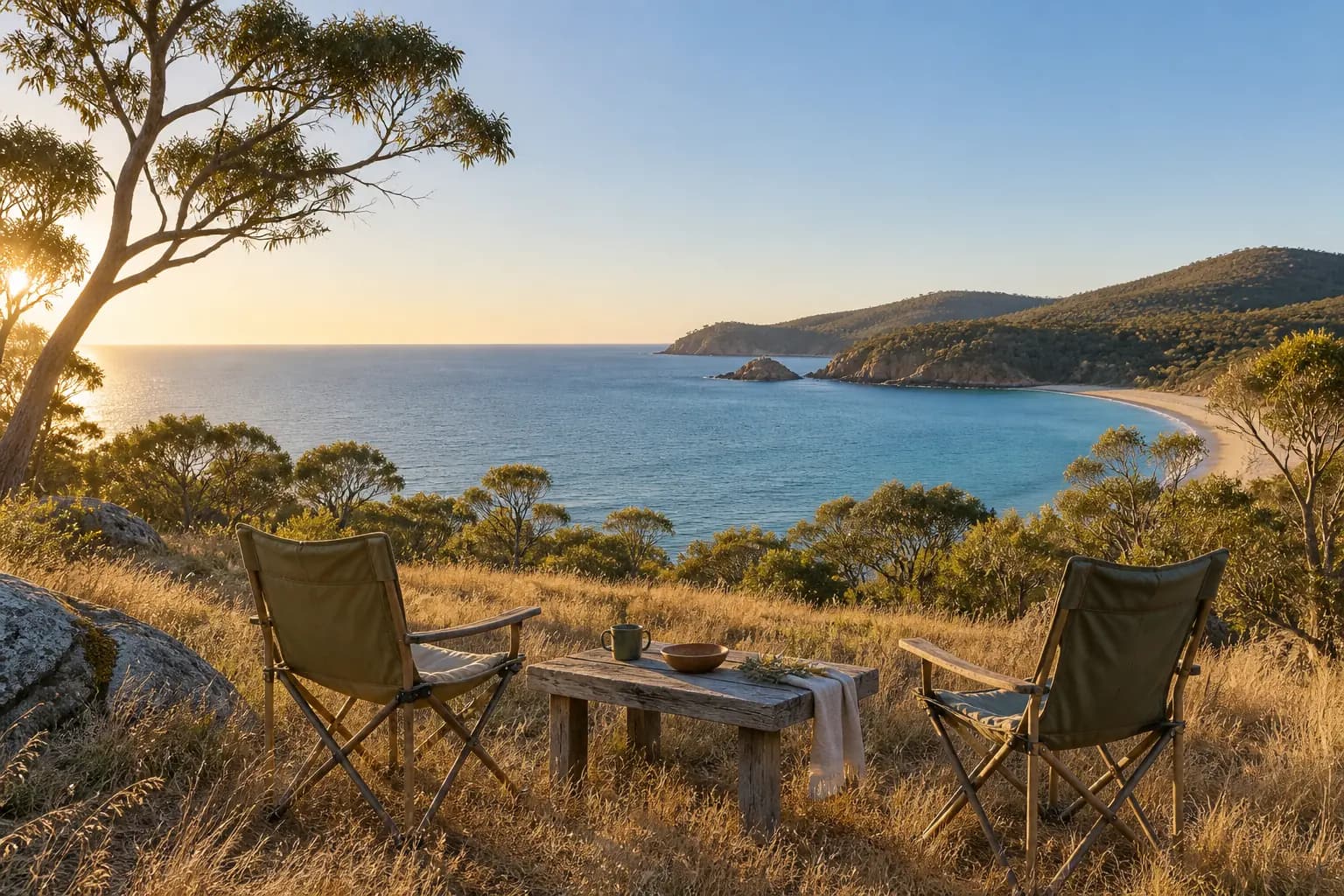
Less routine. More out there.
Plan tomorrow’s route. Send a photo home. Catch up with your people. A little connection can make a long way from home feel that much closer.
Service and speeds depend on coverage, clear sky, weather and network demand. Choose your campsite with those in mind.
See how to get connectedYour camp connection, explained
A little preparation before you leave makes setup easier when you arrive. Here’s where to start.
 01
01Download the Starlink app before you head out. Use its obstruction checker to find a clear spot, away from trees and rooflines.
The open-sky checklist 02
02Unfold the kickstand on a stable surface. Connect suitable power using the right cable, then follow the app’s setup and alignment prompts.
Check your power setup 03
03Once the app shows you’re connected, join the Mini’s Wi-Fi with your phone or laptop. Settle in and enjoy your little corner of Australia.
Read the setup guideFollow the Starlink app and supplied kit instructions.
Your local starting point
Owner-operated on the NSW Central Coast. Collect and return by arrangement in Ourimbah NSW 2258—make sure the handover fits your route.
Ask about collectionReview the full quote and pay your deposit securely on Stripe.
After verified payment, we email the address and directions. Arrange a collection time before travelling.
Bring your driver’s licence and pay the remaining hire plus bond at pickup. Return the complete kit at the agreed time.
Collection and return are by arrangement in Ourimbah NSW 2258, on the NSW Central Coast. This is a pickup-only service. Your exact collection address and instructions are emailed after your deposit is verified; arrange a collection time before travelling.
Pay a $25 deposit for 1–10 days, or $50 for longer hires. It comes off your hire total. The remaining hire balance and a separate $300 refundable bond are due at collection. Bring your driver’s licence for identity verification; there’s no licence upload.
Yes. Choose available dates, review your quote and acknowledge the collection requirements, then go straight to secure Stripe payment. There’s no approval wait. Dates are secured after verified deposit payment. If you leave checkout, your emailed link has a stated deadline of up to three days, or earlier for near-term collection. Unpaid holds are released after payment checks.
At a powered site, use the included mains adapter. Off-grid, you need your own suitable power source and the correct cable. Batteries and vehicle mounts are not included. Check your power setup with us before collection.
You need available Starlink Roam service, suitable power and a clear view of the sky. Trees, buildings, terrain, weather and network demand can affect service and speeds. Check coverage and use the Starlink app before relying on a campsite connection. Starlink is not an emergency communications service.
Both collection and return dates count as hire days. Your quote uses the lowest-priced combination of daily, 7-day and 28-day rates; $349 is a 28-day block, not a calendar month. Return the complete kit at the arranged time for inspection and bond reconciliation under the terms of hire.
Plans changed? Contact us with your booking reference and read the cancellation policy in our terms of hire. Refunds depend on the agreed conditions.
Read the terms of hire and privacy policy before booking.
A little further from the everyday
Find your dates. See your price. Bring the connection.
Check dates & total cost Starlink Mini hire · Ourimbah pickup & return